
Innovation in digital agencies is driven by efficiency. A well-structured digital agency workflow automation strategy can significantly improve productivity and client outcomes. In today’s competitive landscape, agencies that embrace automation gain a clear advantage over those relying on manual processes.
What Is a Digital Agency Workflow?
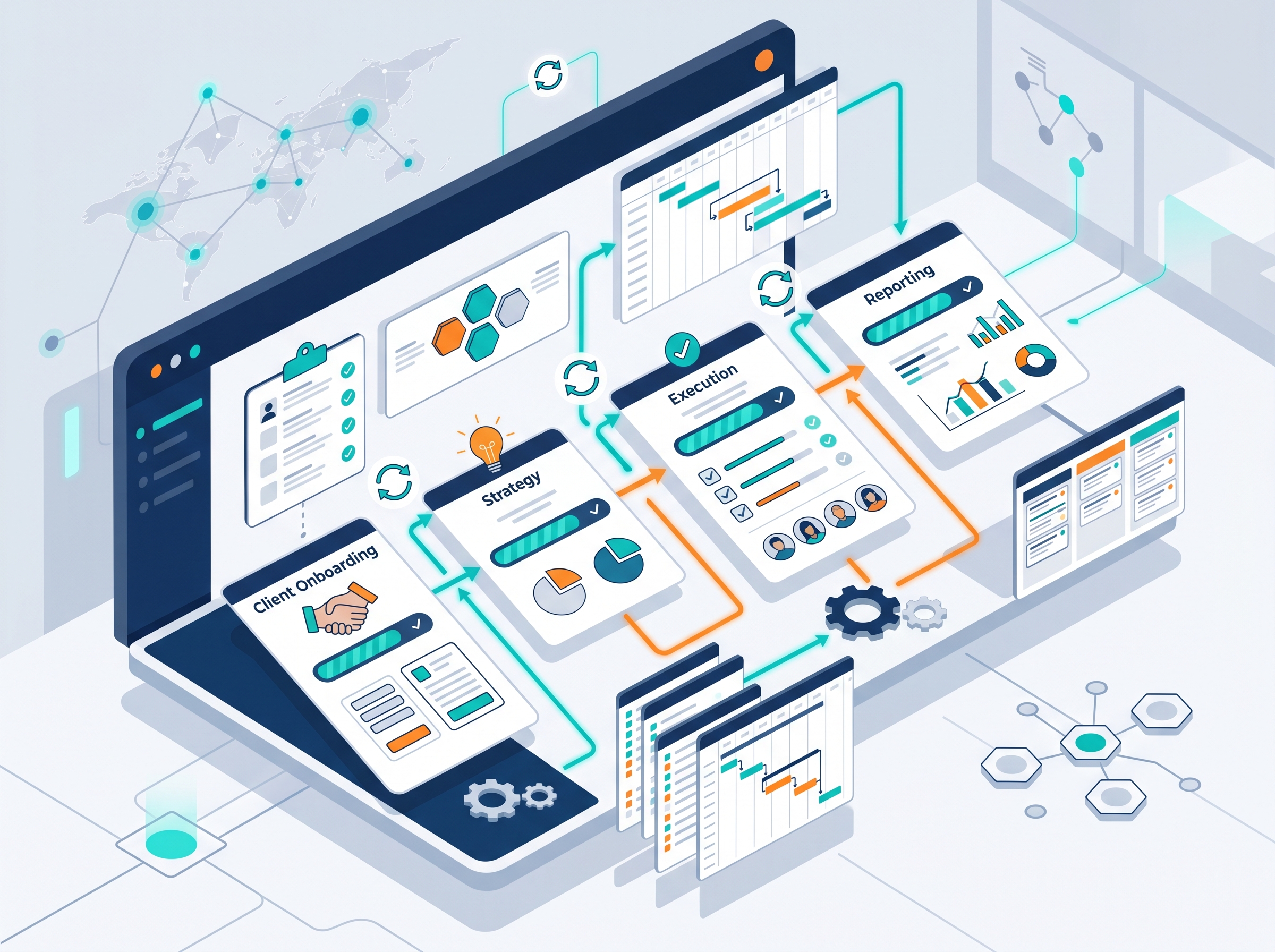
A digital workflow defines how projects move from ideation to delivery. It includes:
-
Client onboarding
-
Strategy development
-
Execution
-
Reporting
Each stage presents opportunities for automation. By streamlining these steps, agencies can reduce bottlenecks and deliver projects faster.
Explore our web design & development services to build automation-ready systems for your agency.
Why Workflow Automation Matters for Agencies
Automation helps agencies:
-
Save time on repetitive tasks
-
Reduce manual errors
-
Improve scalability
A strong brand identity supports seamless automation adoption. When your processes run smoothly, your team can focus on high-value creative work instead of administrative tasks.
Key Areas for Digital Agency Automation
1. Marketing Automation
Using tools to automate campaigns and reporting. This includes email marketing, social media scheduling, and performance dashboards.
2. Project Management Tools
Essential for startups and agencies handling multiple clients. These tools help track deadlines, assign tasks, and monitor progress in real time.
3. Sales Workflow Automation
Automates lead nurturing and conversions. From initial contact to contract signing, automation ensures no opportunity falls through the cracks.
Best Tools for Digital Agency Workflow Automation
Effective digital agency workflow automation relies on modern tools such as:
-
Project management tools for startups
-
Freelance project management tools
-
SEO traffic projection tools
These solutions help agencies manage multiple clients efficiently while maintaining quality standards.
Need intuitive interfaces for your automation tools? Check out our UI/UX design services.
How to Build an Efficient Agency Workflow
Follow these steps to successfully implement automation:
-
Map your processes – Document every step from client intake to project delivery
-
Identify automation opportunities – Find repetitive tasks that can be automated
-
Implement tools – Choose solutions that fit your agency size and budget
-
Train your team – Ensure everyone understands how to use the new systems
-
Optimize continuously – Regularly review and improve your workflows
Drive more traffic to your agency with our SEO & marketing services.
Top Benefits of Workflow Automation
Using workflow automation provides multiple advantages:
-
Faster project delivery
-
Better team collaboration
-
Higher client satisfaction
-
Increased revenue
-
Reduced operational costs
Agencies that automate consistently outperform those that don’t. The time saved can be reinvested into growth and innovation.
Conclusion
Investing in digital agency workflow automation is a smart move for any agency looking to stay competitive. From improving efficiency to enabling growth, automation plays a key role in digital transformation.
Start automating today to build a more scalable and efficient agency.