For small businesses and independent workers, the best client management software is a tool that automates repetitive work without demanding a heavy setup process, such as Clustdoc for onboarding or Airtable for freelancers juggling multiple accounts. Every growing venture can benefit from a proper system to keep track of communications and sales tasks.
If you are tired of losing track of emails, missing follow-ups, or drowning in sticky notes, upgrading to a dedicated platform changes everything. Let us look at what makes these tools useful, how they differ from standard spreadsheets, and what you actually need to run your daily operations smoothly.
Understanding Your Options on the Market
Major enterprise options like Salesforce and Zoho offer wide ranges of tools designed to help sales teams understand buyers better, deliver personalized experiences, and track overall business performance. But those options can often feel like bringing a sledgehammer to a tack-hammer job if you run a lean operation.
Smaller teams require targeted functionality. For instance, Keap targets small businesses by pairing a straightforward database with marketing automation tools, while tools like HoneyBook combine contact tracking with direct invoicing capabilities.
Standout Features Worth Looking For
When browsing through the dozens of programs available on sites like Indeed, you will notice a common set of features. Knowing which ones actually matter will save you from paying for bloatware.
- ●Contact management to keep phone numbers, emails, and notes in one searchable database.
- ●Sales and marketing automation to handle repetitive follow-up emails without manual triggers.
- ●Appointment scheduling and direct invoicing so you get paid faster without switching apps.
- ●Task management that connects directly to specific client profiles.
Why Many Freelancers Abandon Their Systems
Many independent professionals start with high hopes, only to abandon their systems within a month, go back to basic spreadsheets, or cobble together four to five disconnected tools. This happens because most systems are built for large sales floors rather than solo operators.
When you operate on a tight budget, value for money becomes your main filter. You need a platform that balances essential features with monthly costs that will not eat up your profit margins. Some affordable options start around six pounds a month, while more popular tiers that let you send unlimited invoices to dozens of clients hover around eleven pounds monthly.
Matching Tools to Real Workflows
Think about how you actually work with people every day. If your main bottleneck is drafting proposals and chasing signatures, you want a system focused heavily on document handoffs. For instance, Dubsado concentrates its workflow automation on proposals, contracts, and invoicing so those documents generate straight from the initial intake form.
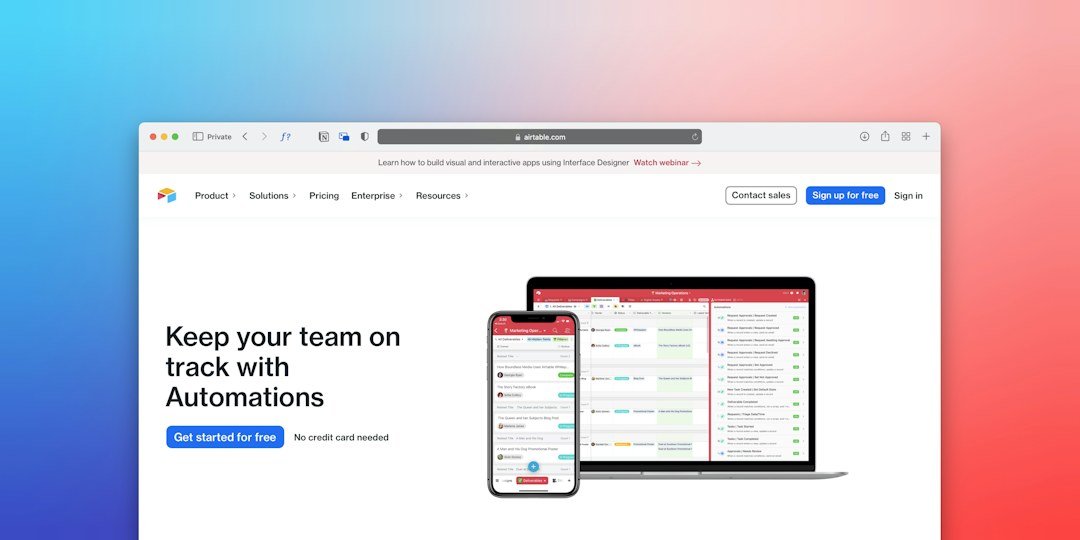
On the other hand, if you manage heavy ongoing projects with custom deliverables, a flexible database structure like Airtable might serve you better than a rigid sales pipeline.
Making Your Final Decision
Selecting the right platform requires looking closely at how your current operations drain your time. Do you spend hours copying data from emails into invoices? Do you forget to follow up with leads after a discovery call?
Look for automation that handles that repetitive work without requiring you to remember every single step. Test out free trials with your actual data rather than demo accounts filled with fake names. If a tool feels heavy or confusing during a test run, it will only slow you down once you start using it every day.