Most agencies treat AI tools like a subscription buffet. Someone hears about Cursor or Claude Code on Twitter, buys a team license, and expects the next project to finish in half the time. Then the invoice arrives, the code needs a full rewrite, and nobody can explain why the “productivity tool” cost more than it saved.
I have watched this pattern for the last two years while running client work on both WordPress and Laravel. The tools that survive are the ones that solve a specific, expensive problem on fixed-price projects. Everything else is noise.
If you want the broader picture of how AI actually cuts workload without tanking quality, I covered that in detail here: How AI Automation Can Realistically Reduce Agency Workload Without Lowering Quality.
The Filter I Use Before Paying for Any AI Tool
Before any new tool gets a seat on the team, it has to pass three tests:
- It has to save measurable hours on a real client deliverable, not a demo.
- The output must be reviewable by a senior developer in less time than it would take to write it from scratch.
- The pricing has to be predictable. Fixed-price projects die when the AI bill shows up as a surprise.
Most tools fail the second or third test. They generate something that looks finished but still needs the same amount of debugging and client-specific context as hand-written code.
The Tools That Actually Clear the Bar
Claude Code
This is the one I reach for when a task touches multiple files or needs real reasoning. Bug fixes that span a Laravel service and its tests, refactoring a WordPress custom plugin without breaking existing shortcodes, or writing the first draft of a complex migration script. Claude Code’s agentic style means I can hand it a clear outcome and review the pull request instead of babysitting every keystroke.
On fixed-price work the payoff is obvious. A two-day debugging session often collapses into an afternoon of review. The catch is cost. You need the higher Claude plans for consistent access, and you still have to write the constraints carefully or it will invent elegant solutions that ignore your client’s actual constraints.
Official docs and pricing live at Anthropic’s Claude page.
Cursor
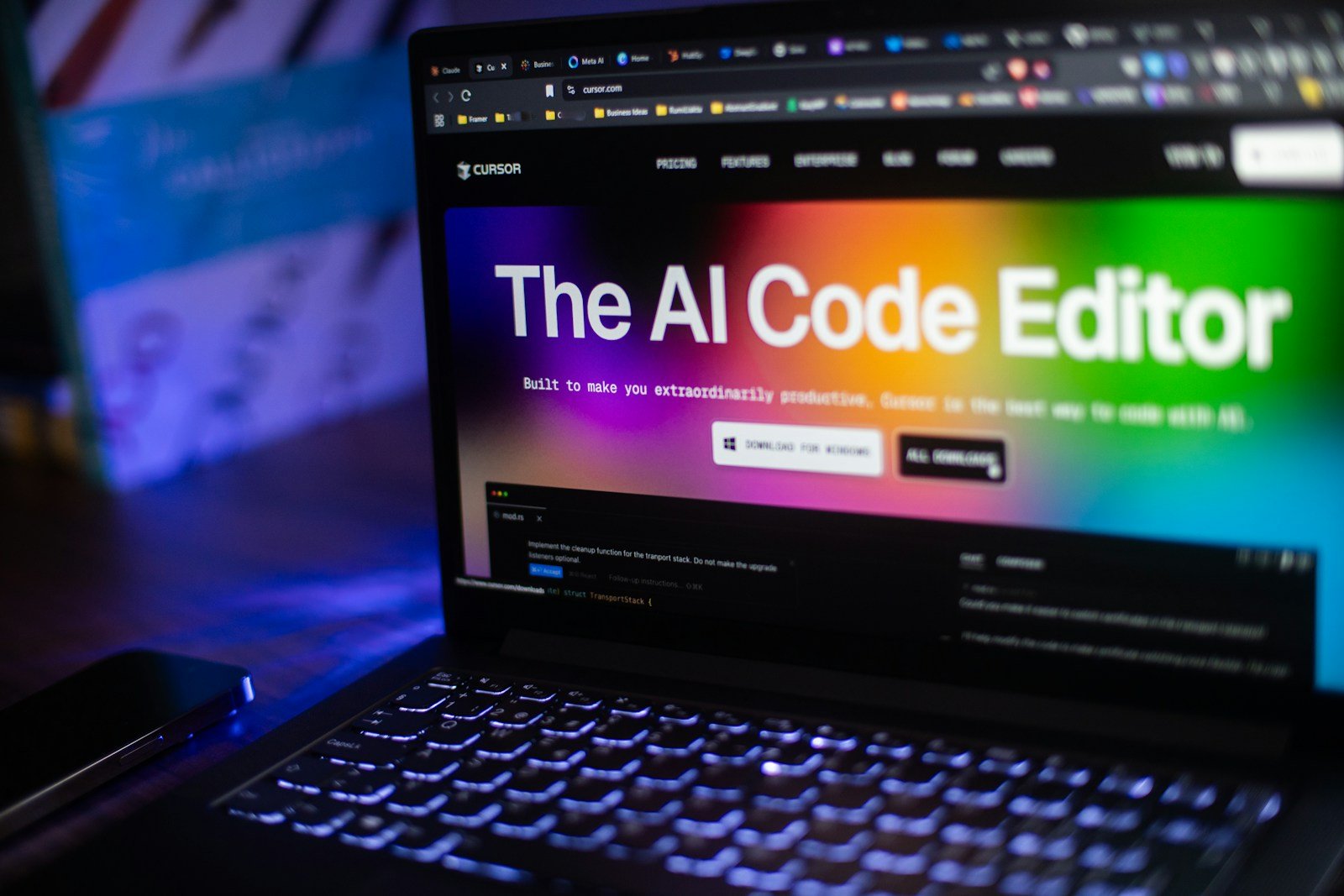
Cursor is the editor I keep open for daily work. The tab completion is strong, the codebase chat understands the project better than a generic chat window, and the agent mode handles multi-file edits without forcing me to leave the IDE. For scaffolding a new Laravel feature or cleaning up a messy WordPress theme, it is the fastest path from “I know what I want” to “something I can review.”
It is not magic on complex business logic. I still rewrite the parts that involve client-specific rules or edge cases. But for the 60-70% of development that is repetitive structure, it pays for itself inside the first project of the month.
See current plans at cursor.com.
GitHub Copilot (Business)
If your team already lives in VS Code or JetBrains and you need the most predictable bill, Copilot Business is still the safest default. Inline completions are excellent for routine PHP, JavaScript, and Blade or React work. The agent features have improved, but they are less aggressive than Claude Code, which is sometimes exactly what you want on a tight deadline.
The real advantage is admin controls and spending caps. When you are quoting fixed prices, knowing the AI cost will not suddenly double is worth more than the latest model.
Details at GitHub Copilot.
What I Stopped Paying For
Generic chat interfaces for code generation. Prompt-to-full-app builders that produce a demo but collapse under real client requirements. Most WordPress AI page-builder add-ons that generate bloated markup you then have to clean up. And any tool that trains on your client’s private code without a clear opt-out.
The Stack Overflow Developer Survey 2026 showed high daily usage of coding assistants, but the gap between “I use it” and “it reliably ships client work” is still large. Usage numbers do not equal ROI.
How This Plays Out on Real Projects
On a recent Laravel client portal we used Claude Code for the multi-step form logic and Cursor for the frontend components. Total AI cost for the project stayed under $80. The same work without the tools would have needed an extra developer day. On WordPress sites the pattern is similar: Copilot or Cursor for theme customizations, Claude Code only when we are touching custom plugins or performance-critical code.
This also connects to a bigger shift. As I wrote about in Why AI Agents Skip WordPress in 2026, the platforms and tools that make agentic work easy are winning. The agencies that treat AI as a junior pair-programmer instead of a replacement for judgment are the ones keeping margins.
The Practical Takeaways
- Pay for Claude Code when the task needs multi-file reasoning and you can budget for the higher plans.
- Keep Cursor (or Copilot) as the daily editor for speed on routine work.
- Measure hours saved on actual client tickets, not on toy examples.
- Cap the spend. Fixed-price work cannot absorb open-ended AI bills.
- Never ship AI output without senior review. The cost of a broken client site is higher than the tool subscription.
The tools worth paying for in 2026 are the ones that shrink the expensive middle of the project, the part between “we know the requirements” and “the client can use it.” Everything else is optional.
If you are still deciding how automation fits into the rest of your agency operations, the earlier piece on digital agency workflow automation covers the non-AI side of the same problem.