
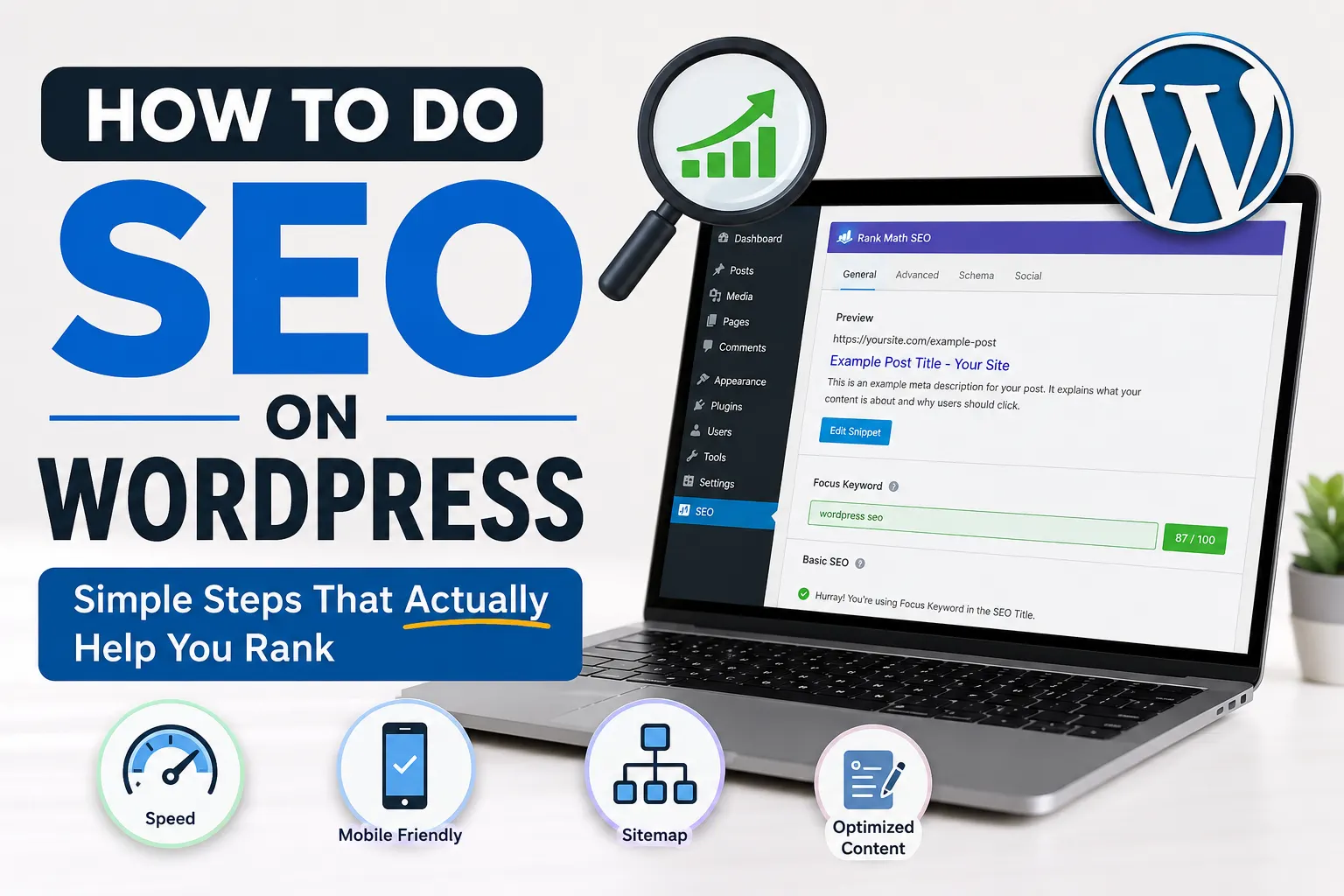
How to Do SEO on WordPress Without Overcomplicating It
Most people who build a WordPress site spend the first week tweaking their theme and the second week spiraling through SEO tutorials that all say something slightly different. It’s a weird loop.
Here’s the thing, though. Learning how to do SEO on WordPress doesn’t require becoming a technical expert or memorising a hundred ranking factors. It requires setting up the right things correctly, publishing content people are actually searching for, and not skipping the basics that quietly matter.
Let’s go through what that actually looks like.
Start With Your SEO Plugin (Because the Default Setup Won’t Cut It)
WordPress doesn’t come with built-in SEO tools, so your first real decision is which plugin to use. The two most widely used are Yoast SEO and Rank Math. Both work well. If you’re newer to this, Rank Math has a slightly smoother setup experience and gives you more on the free plan. Yoast has a longer track record and many developers still prefer it.
What matters more than which one you pick is that you actually configure it properly after installing. Most people install it, see the icon in the dashboard, and never touch it again.
Here’s what the setup should include:
- Setting your site’s title format and separator
- Writing a homepage meta description
- Connecting to Google Search Console through the plugin
- Enabling XML sitemaps so Google can crawl and index your pages
Rank Math’s setup wizard walks you through most of this, which helps when you’ve never done it before. If you’re using Yoast, the first-run configuration guide does something similar.
Your Permalink Structure Is Small But Matters More Than You’d Expect
Go to Settings > Permalinks in your WordPress dashboard. If the current setting shows something like /?p=123 in your URLs, change it before you publish anything else.
The cleanest and most SEO-friendly option is /%postname%/, which creates readable URLs based on your post title. Something like yoursite.com/best-coffee-for-beginners/ instead of a random string of characters.
Readable URLs help both search engines and real people understand what a page is about before clicking. Google uses URLs as a small ranking signal. And honestly, a person is more likely to trust a link they can actually read.
Do this early. Changing permalink structures after you’ve built a large site can break existing links and create redirect headaches.
On-Page SEO: What to Actually Do Before You Hit Publish
This is where most of the regular SEO work happens. Every post you publish is an opportunity to either help or waste your visibility in search results.
Here’s a real scenario to make this concrete. Say you run a food blog and you’re writing a post about making sourdough at home. Most people write the post, upload a photo, and hit Publish. But a few minutes of on-page work before publishing makes a significant difference.
Focus keyword first. Choose one main phrase you’re genuinely trying to rank for. Use it in your H1 title, somewhere in the first paragraph, in the meta description, and in at least one image alt tag.
Meta description. This appears under your title in search results. It doesn’t directly influence your ranking, but a well-written one improves click-through rate, which does affect how Google sees your page over time. Write it as a clear, direct answer to what someone searching that phrase wants to know.
Internal linking. Every post should link to 2 or 3 other relevant posts on your site. It tells search engines how your content is connected and keeps readers going deeper into your site. For example, if you’re covering link-related topics, pointing readers toward why external links can actually strengthen your SEO adds real value to the post.
Image alt text. It takes 20 seconds per image and helps search engines understand what the visual is showing. Don’t skip it.
Site Speed and the Technical Stuff You Can’t Ignore
A slow site hurts your rankings. Google has confirmed page speed as a ranking factor, and the Core Web Vitals update made it even more official. You can feel the problem yourself: click a search result, wait 4 seconds for it to load, and you leave. So does everyone else.
On WordPress, speed problems usually come from a few predictable places:
- Large images that were never compressed before uploading
- Too many plugins running scripts on every page
- Shared hosting that struggles under any real traffic
- No caching configured
Run your site through Google PageSpeed Insights. It gives you your current score and shows exactly which elements are slowing things down, with specific recommendations.
For images, a plugin like ShortPixel or Imagify handles compression automatically when you upload. For caching, WP Rocket is the most recommended paid option. W3 Total Cache is solid if you want to stick to free tools.
Also make sure your site runs on HTTPS. If you’re still on HTTP, that’s a ranking disadvantage most hosting providers have made easy to fix through a free SSL certificate.
One thing that often goes unnoticed is broken links. They build up quietly as you delete or move pages, and they do affect how search engines evaluate your site. There’s a useful breakdown of how broken links actually affect your SEO if you want to understand what’s actually at stake before spending time on fixes.
The Mistakes That Keep WordPress Sites From Ranking
Even after the setup is done and content is being published, these are the patterns that hold most sites back:
Targeting keywords that are too competitive. A newer site writing about “best running shoes” is fighting for visibility against REI, Runner’s World, and dozens of other well-established domains. Look for longer, more specific phrases with less competition. “Best trail running shoes for wide feet” is a better target for a smaller site, even if the monthly search volume is lower.
Publishing thin content. A 350-word post on a complex topic doesn’t signal depth to search engines. Aim for substance over length, but in practice that usually means at least 800 to 1200 words on anything you seriously want to rank for.
No internal linking strategy. Most people write posts in isolation. Build the habit of linking each new post to 2 or 3 existing posts, and periodically update older posts to link to newer ones. Over time, this builds topical depth that Google rewards.
Ignoring search intent. Before writing any post, search the exact keyword in Google and look at what’s already ranking. Is it list posts? Tutorials? Product pages? Opinion pieces? Your format needs to match what’s already winning for that query, because that’s what Google has decided users want.
Where This All Comes Together
The foundation of how to do SEO on WordPress really isn’t that complicated once you strip away the noise. Configure your plugin properly, fix your permalink structure, write content around genuine search intent, keep your technical health clean, and link things together thoughtfully.
Most WordPress sites that struggle with SEO aren’t missing a secret tool. They’re skipping one of the basics above and not connecting the dots between their content efforts and how search engines evaluate the site.
Start with one area. Get your plugin setup right, then your permalinks, then focus on content. Done consistently over several months, the results compound in a way that feels slow at first and then suddenly significant.